
Xpression Camera
Photography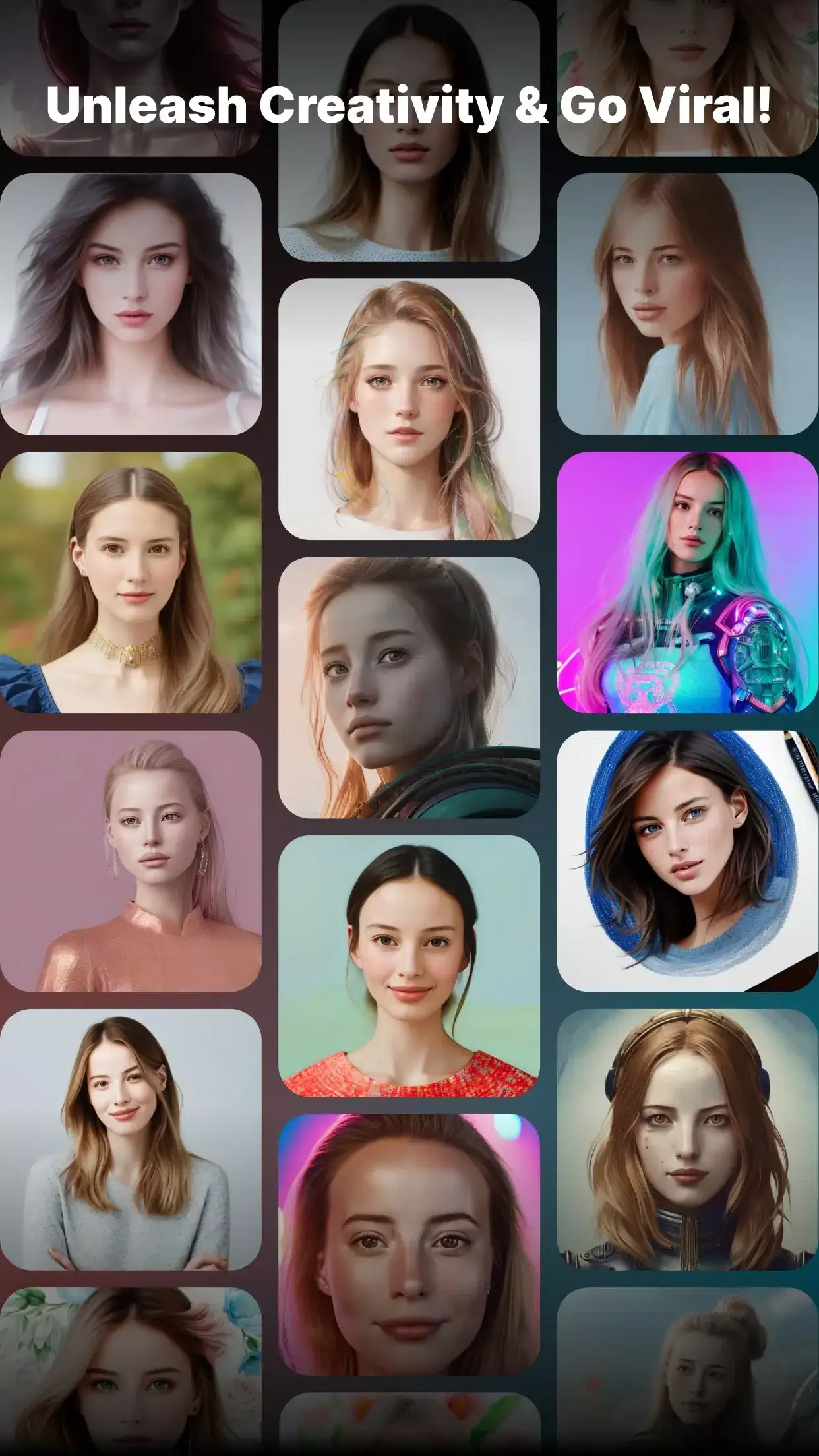
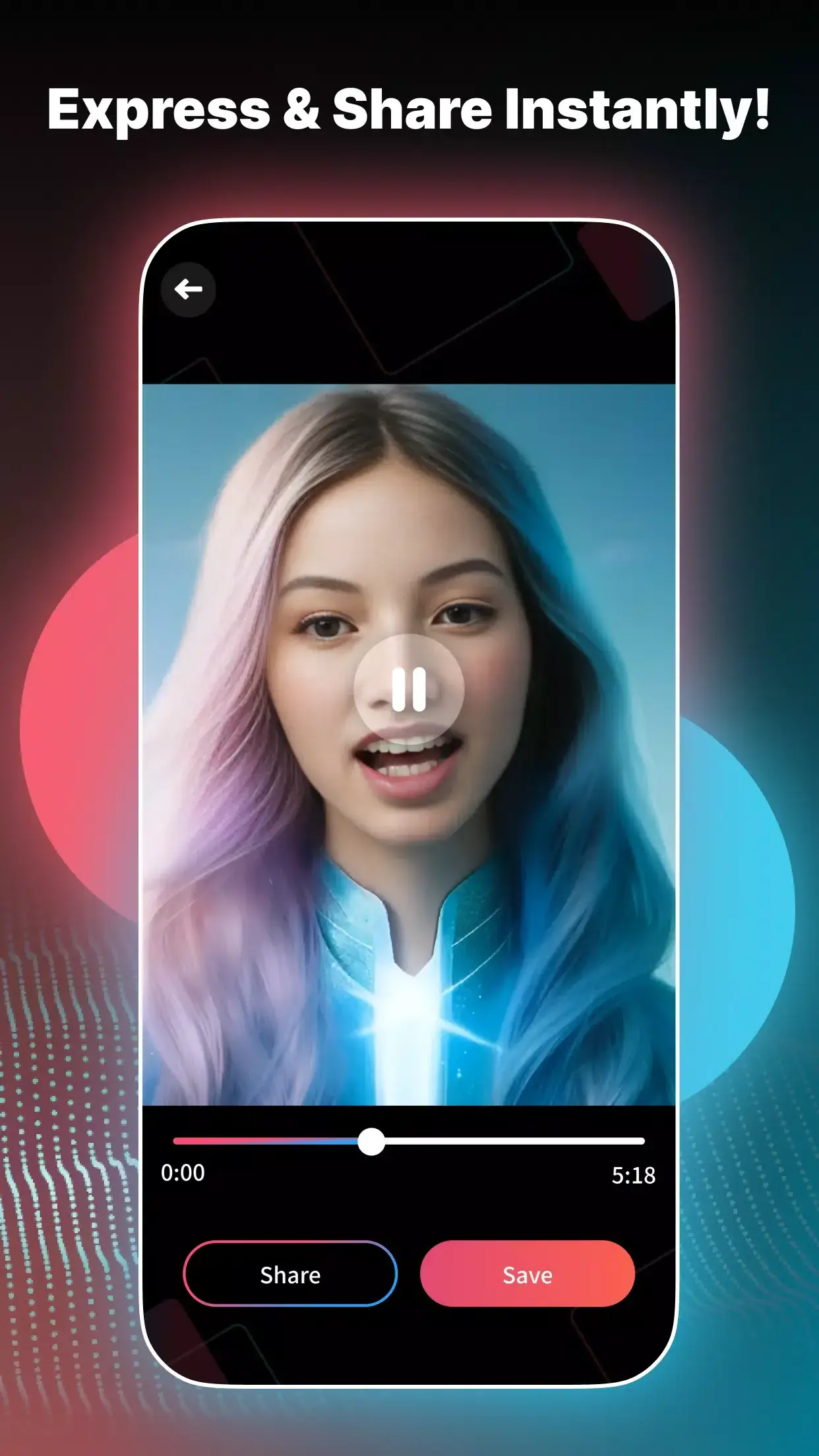
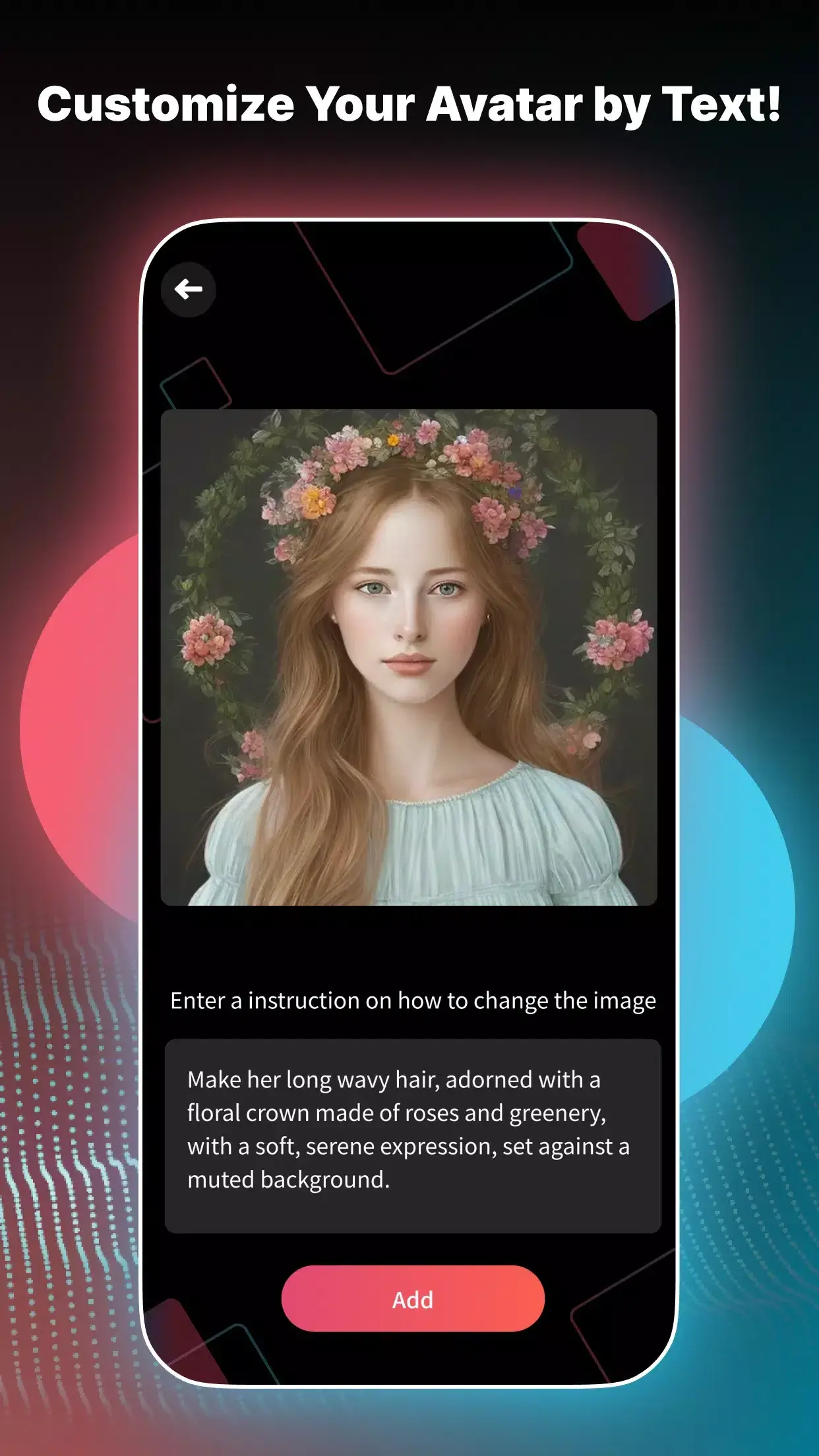
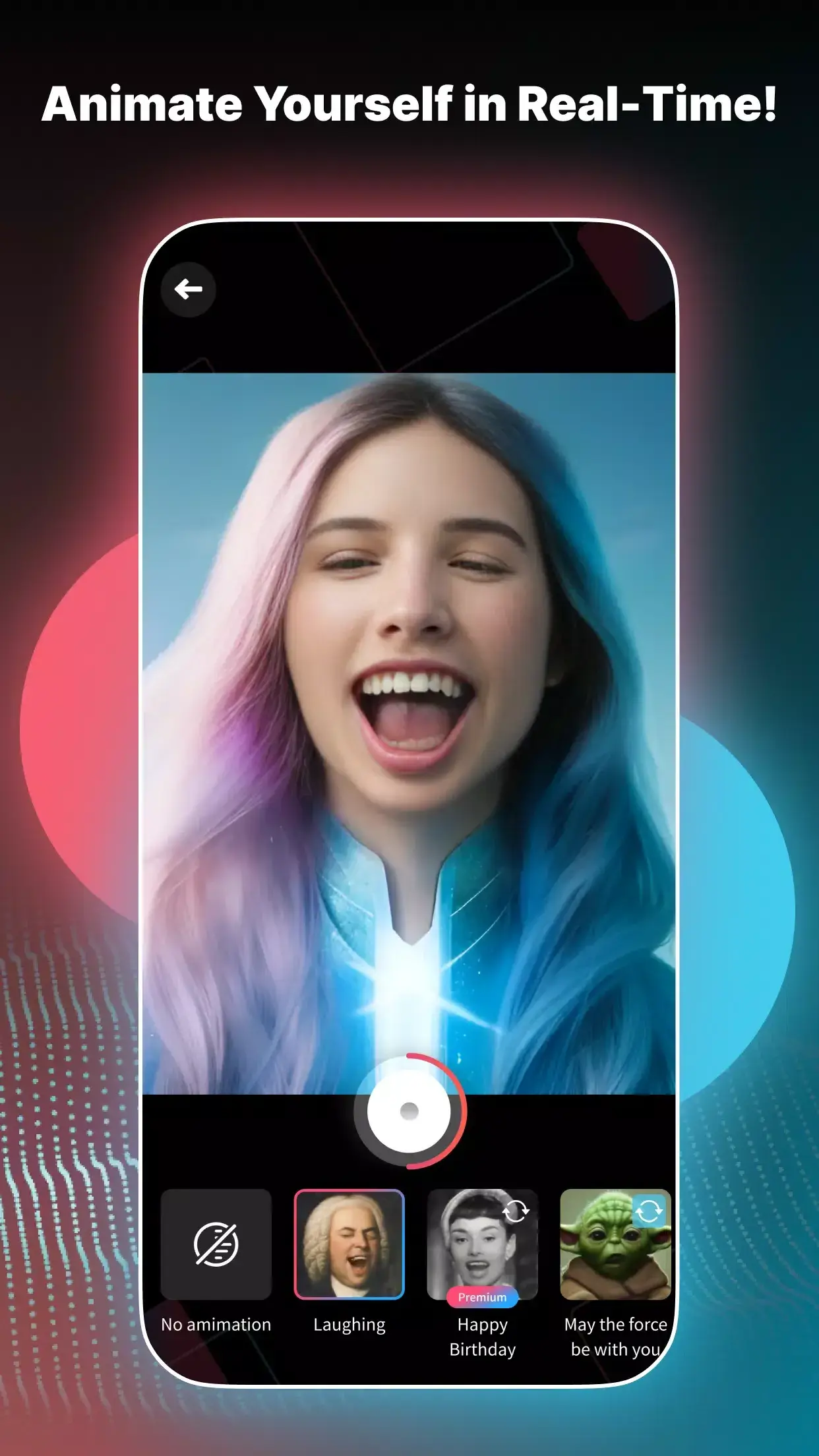
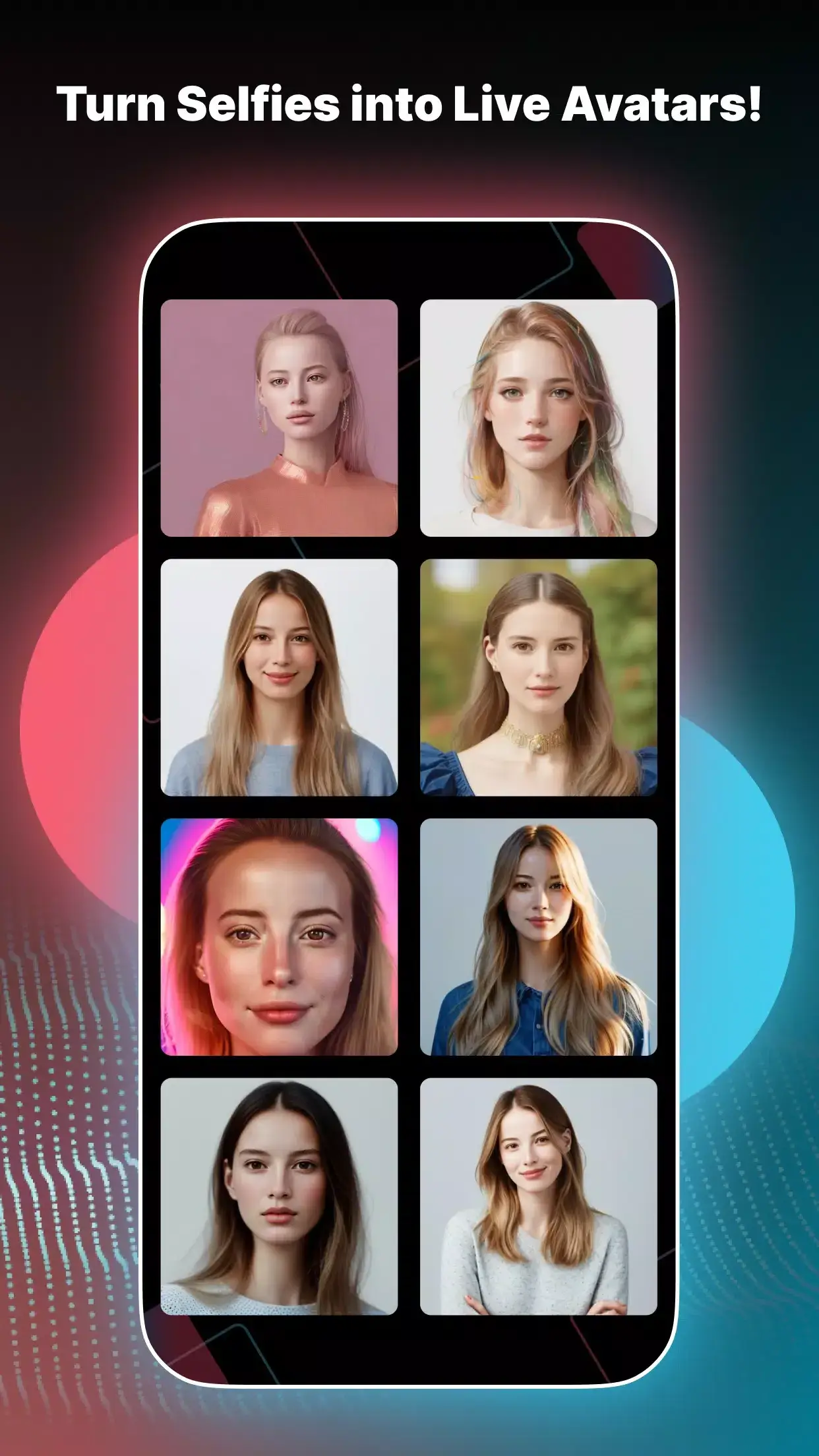
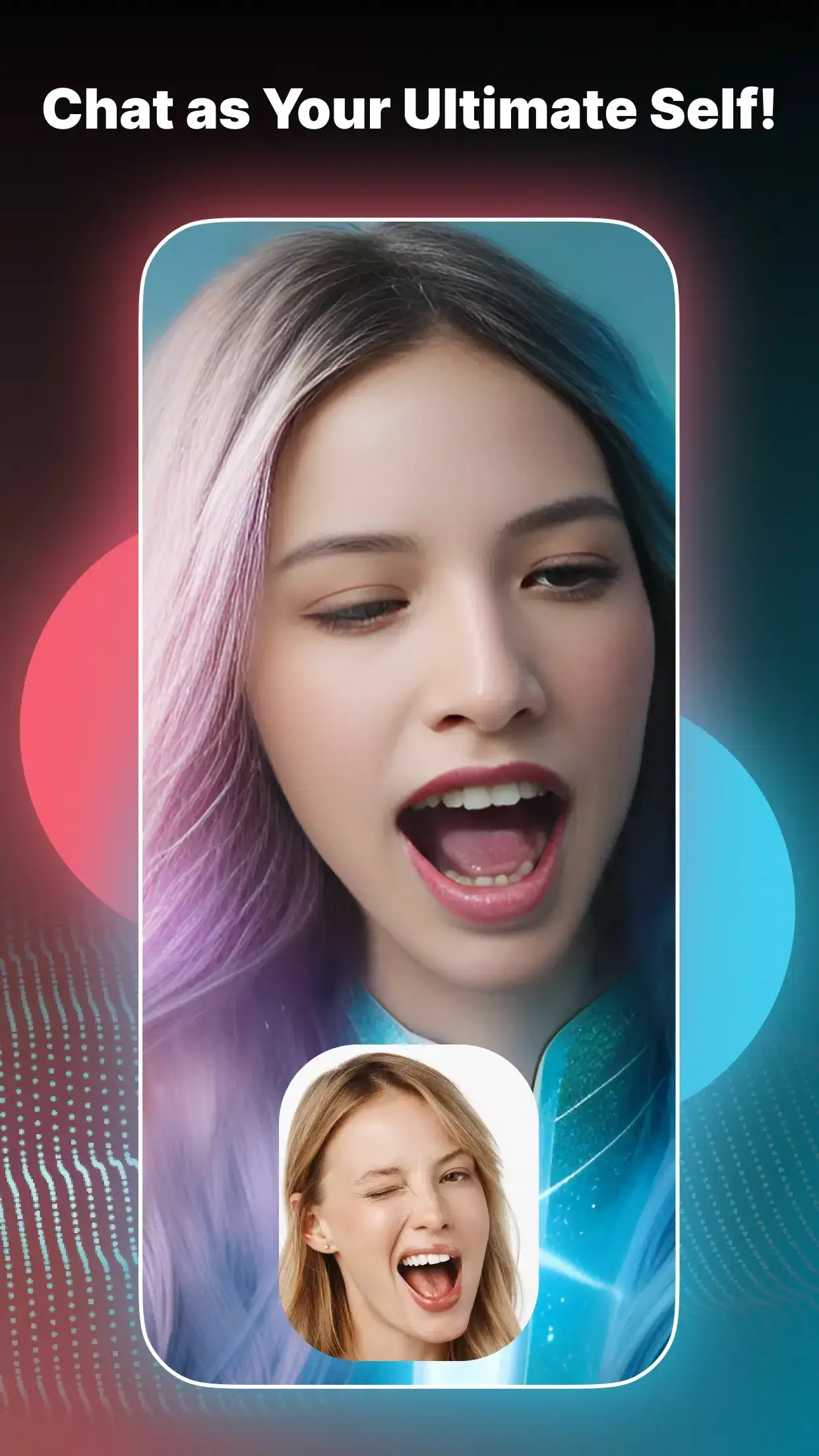

Xpression Camera lets you replace your face with a different one during video calls and live streams. By uploading a single photo, the app creates a realistic avatar that can mimic your expressions in real time. Whether you want to appear as a celebrity, a cartoon character, or a retro persona, Xpression Camera makes the switch simple.
This page provides the latest version details, installation guide, compatibility notes, and practical tips for getting the most out of the app.
Quick Information
| App/Game Name | Xpression Camera |
| Latest Version | 1.0.11 |
| Developer | Not listed |
| Category | Apps / Photography |
| App Size | 213 MB |
| Package Name | inc.embodyme.xpression_avatar |
| Last Updated | 11 March 2026 |
What Is Xpression Camera?
Xpression Camera is a photography‑style utility that works as a virtual camera on Android devices. Its core features include:
- Face replacement using a single reference photo.
- Real‑time expression tracking so the avatar mirrors your movements.
- Multiple avatar styles – celebrity look‑alikes, cartoon designs, and retro filters.
- Integration with video‑calling and streaming apps that accept external cameras.
The app is aimed at users who want a quick, fun way to disguise their appearance during online meetings, gaming streams, or casual chats. It does not provide full‑body avatar control or advanced 3D modeling; the transformation is limited to the face area.
Compatibility
| Android Version | ✓ Verified — 5.0 and up |
| Architecture (ARM64 / 32-bit) | ✓ Verified — Supports common device architectures |
| Internet Connection | ✓ Verified — May be required for ads, updates, or login |
| Storage Needed | Not Verified |
| OBB/Data Files | Not Verified |
| Root Required | Not Verified |
How to Install
- Enable Install unknown apps for the browser or file manager you will use (Settings → Apps → Special app access → Install unknown apps).
- Download the Xpression Camera APK file to your device.
- Tap the downloaded file and follow the on‑screen prompts to install.
- After installation, open the app and grant camera and microphone permissions when requested.
- Choose a reference photo, select an avatar style, and set Xpression Camera as the virtual camera in your video‑calling or streaming app.
Troubleshooting
- App not installed: Ensure unknown sources are enabled and that the APK matches your device’s architecture (ARM64 vs. x86).
- Camera shows a black screen: Verify that the app has permission to access the camera and that no other app is using the camera simultaneously.
- Avatar does not follow expressions: Use a clear, front‑facing reference photo and keep your face well‑lit during use.
- Crashes on startup: Restart the device, clear the app cache (Settings → Apps → Xpression Camera → Storage → Clear cache), and reinstall if the problem persists.
- Cannot select the virtual camera in other apps: Make sure the target app supports external cameras and that you have selected Xpression Camera in its video source settings.
Safety & Security
Xpression Camera is a modified‑free release, but like any third‑party APK, it should be downloaded from a reputable source. The app requests access to the camera, microphone, and storage – permissions required for its core functionality. Avoid entering personal or financial information within the app, and consider scanning the APK with an antivirus tool before installation. Updates to the official app may overwrite a modified build, so keep a backup of the APK if you need to reinstall the same version.
Alternatives
- Snap Camera – Desktop‑focused virtual camera that offers a wide range of lenses, including face filters and AR effects.
- FaceRig – Real‑time facial animation software for streaming, providing 3D avatars and extensive customization.
- Snapchat Lens Studio – Create and use custom lenses on mobile; integrates with video calls via Snapchat.
- ManyCam – Offers virtual camera features, background removal, and a library of face masks for live streaming.
Final Verdict
Xpression Camera is a fun, easy‑to‑use tool for anyone who wants to spice up video calls with a new face. It works well for casual chats and streaming, provided you have a clear reference photo and a device that meets the basic camera permissions. Because it’s an unofficial APK, always verify the source and be cautious with permissions. If you need more advanced 3D avatars or a broader lens library, consider one of the alternatives listed above.
Frequently Asked Questions
The app requests camera, microphone, and storage permissions, which are needed for its features. Download it from a trusted source and scan the APK with an antivirus before installing.
The official requirements are not listed, but the app runs on Android 6.0 (Marshmallow) and newer devices.
No, root access is not required; the app works with standard user permissions.
Yes, select Xpression Camera as the video source in the settings of Zoom, Microsoft Teams, or any app that supports external cameras.
Open Xpression Camera, tap the avatar preview, choose a new reference photo, and pick a different style from the available options.
Basic face replacement works offline after the initial setup, but downloading new avatar packs or updates requires an internet connection.
The APK provided is the full version; there is no separate trial or paid tier mentioned.
If you already have an earlier version, you can install the new APK directly; the installer will replace the older version while keeping your settings.